
Scan-to-value
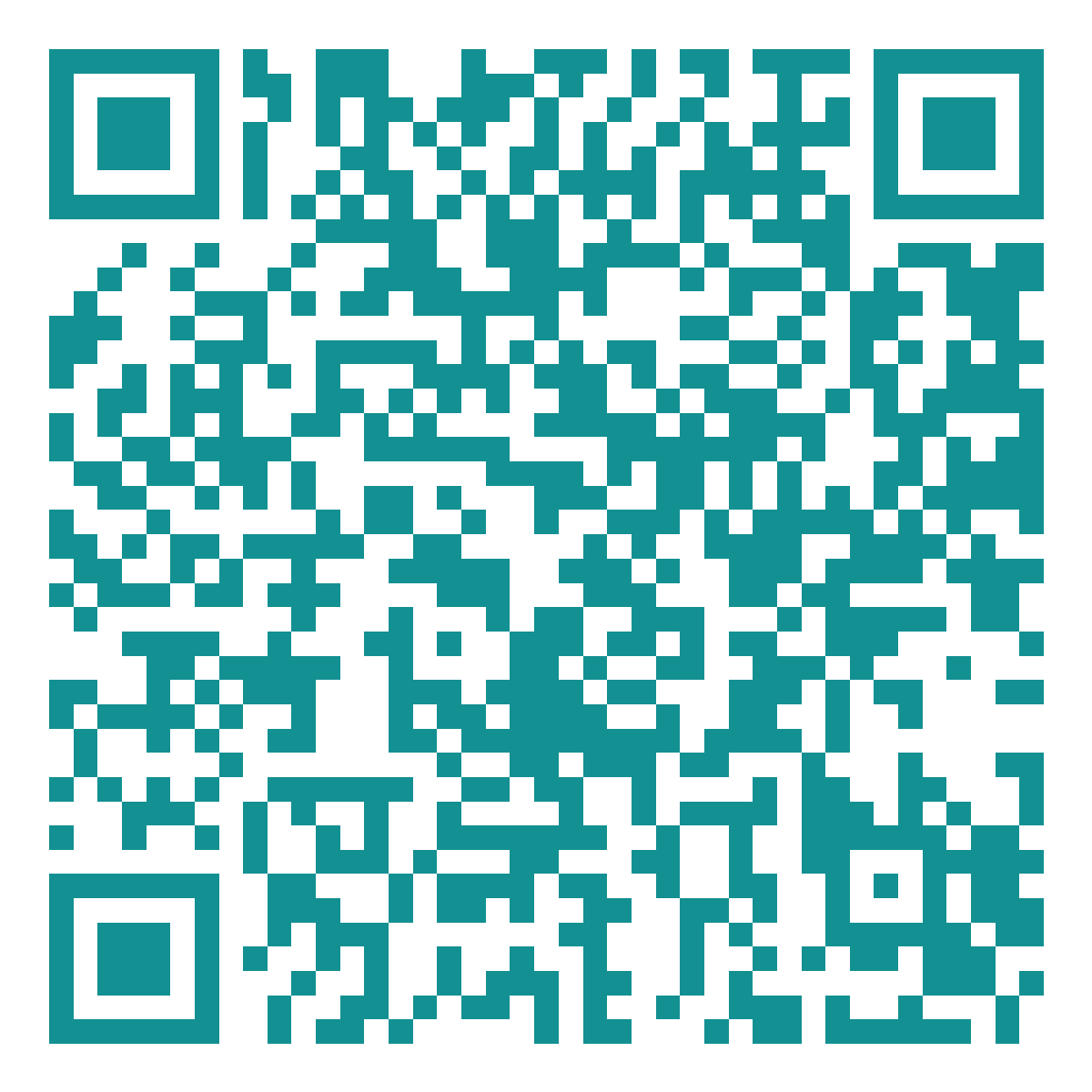
QR code.
This code opens SPECTRE 2.0 — the free market-analysis request page. The owner enters a registration number, and an advisor returns a detailed written report within 72 hours. Email it to owners directly, or drop it into Controller and AvBuyer ads, print collateral, ramp signage, and business cards.

- Destination
- avionairgroup.com/aircraft-valuation — AAG SPECTRE 2.0 aircraft valuation
- Turnaround
- Detailed written report emailed back within 72 hours
- Tracking
- Every scan carries utm_source / utm_medium / utm_campaign, so direct mail, brochures, business cards and email campaigns report separately against the same permanent code
- PNG
- 1200 × 1200 px, high error correction — good for web and screens
- SVG
- Vector, scales to any print size without softening
- Minimum print size
- 0.8 in / 20 mm square, with clear space around it
- Colour
- Deep teal on white; keep strong contrast, never invert or screen it
What is your airplane worth?
Scan for a free, confidential market analysis. Enter your registration number and we email a detailed report within 72 hours.
avionairgroup.com/aircraft-valuation
941-210-4120Print / scan link: https://www.avionairgroup.com/aircraft-valuation?utm_source=direct_mail&utm_medium=qr&utm_campaign=spectre_2_2026
Email link: https://www.avionairgroup.com/aircraft-valuation?utm_source=email&utm_medium=qr&utm_campaign=spectre_2_2026
The code resolves to the live published site, so publish once and every scan works — in email, in print, and on screen. Once your custom domain is connected, tell me and I will regenerate the code against avionairgroup.com so the printed asset never has to change again.
Drop this into a Mailchimp email
The QR image is hosted on this site, so Mailchimp can load it straight from the URL — no upload required. Add a Code block in the Mailchimp editor and paste the HTML below, or use an Image block with the image URL and set its link to the campaign URL. Recipients can scan the code, tap the button, or just reply to the email with a tail number.
Paste into Mailchimp's Image block (Insert by URL), or anywhere you need the raw image.
Tagged utm_source=mailchimp so email scans and clicks report separately from print.
Full email-safe block: headline, QR code, button, and contact line. Paste into a Code block.
For Mailchimp's plain-text tab so the campaign still reads correctly without images.
- 01Publish the site once so the image URL and campaign link resolve for recipients.
- 02In Mailchimp, create the campaign, add a Code block, and paste the HTML above.
- 03Set the reply-to address to aag@avionairgroup.com so owners who reply instead of scanning reach the desk directly.
- 04Send yourself a test — confirm the QR scans from the screen and the button opens SPECTRE 2.0.